



Quickly Drained Your Budget? You Probably Forgot to Set Limits!
In digital marketing, setting budget limits is crucial for managing your campaigns effectively. Without predefined limits, you risk depleting your budget too quickly, missing out on valuable data, and ultimately seeing a poor return on investment (ROI).
Why Budget Limits Matter:
▶ Control Spending: Prevents overspending and aligns your costs with your financial plan.
▶ Optimize Timing: Allocate budgets during peak traffic periods to maximize engagement.
▶ Avoid Ad Fatigue: Set impression limits to prevent overexposure and maintain brand perception.
▶ Continuous Improvement: Regularly monitor and adjust your budget to focus on high-performing channels.
How to Set Limits in OnClickA:
- Log in and navigate to your campaign settings.
- Set daily, weekly, or hourly budget caps to control spending.
- Monitor performance and adjust limits based on campaign results.
- Setting budget limits can significantly enhance your campaign's effectiveness by ensuring your resources are used wisely and strategically.
Want to learn more? Read the full article here for a detailed guide on mastering budget limits and maximizing your ROI with OnClickA.
> Read the article <
Last edited:




 Leverage Halloween for Campaign Creatives with OnClickA



 Maximizing Social Traffic: A Quick Guide for Advertisers
 Want to dive deeper?















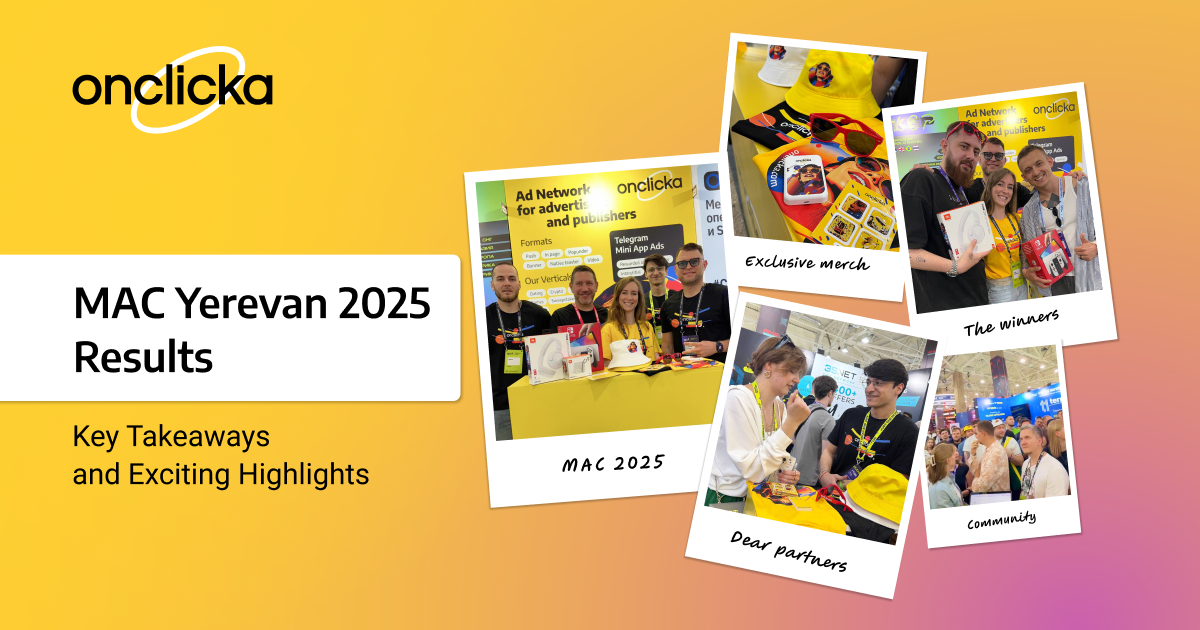

 booth (ME19). We’ll be full of fresh ideas, insights, and ready to connect, collaborate, and share strategies that actually work.
 Join the giveaway
 Book a meeting


 , JBL tech, and, of course, OnClickA merch. We hope someone’s already racing through Mario Kart on their new Switch, while others are enjoying their favorite playlists on brand-new JBL tech.
 .
. .
.


 5% from every dollar your referral spends


